From order to oven, nothing slips.
Counter, table QR, website and phone orders land on the right kitchen screen. Production follows sales, and every “Ready” updates stock on its own.
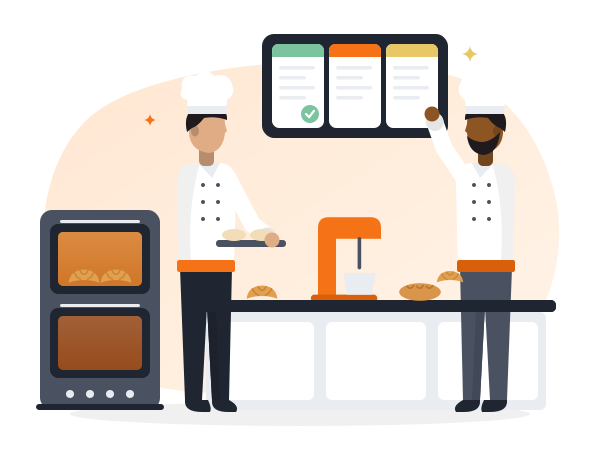
One flow from order to pickup.
Your team always knows what to make next, and you always know where each order is.
Every order, the right kitchen.
Orders from the counter, table QR, your own website or the phone are split by kitchen automatically. Staff move them through Accept → Ready → Dispatch → Received, and a new order keeps ringing until someone accepts it.
Bakery kitchen
Cake kitchen
Custom cakes, exactly right.
Take the advance, attach the reference photo, set the delivery time. The cake kitchen sees all of it — no slips of paper, no forgotten messages.

Custom cake order#C-57
Two-tier · “Happy 60th”
Bake what will sell.
A production plan built from your sales, and recipes (BOM) that scale by size — half kg, 1 kg, 2 kg — so every batch uses the right quantities.
Production plan · Tomorrowfrom sales
Ready means stock is updated.
Marking Ready posts production: raw material is deducted by recipe and finished stock is added. Kitchen-to-outlet transfers need a receipt, wastage needs a confirmation, and yield variance comes per kitchen every week.
Ready · postedStock updated
Yield · this week
Kitchen features, labelled.
What works today, what is an add-on, and what still needs setup or is on the way.
Orders start at the counter — see POS & Mobile POS. Website, table QR and cake builder — see Online ordering.
Watch an order reach your kitchen.
Used every day in the kitchens of La Saveur French Bakers, Jaipur — a 100% egg-free bakery. We’ll show it on your own menu.